
Download Simple FreeCell – FreeCell, solitaire, card game, classic game, puzzle game, strategy game, free game, Android app
Overview
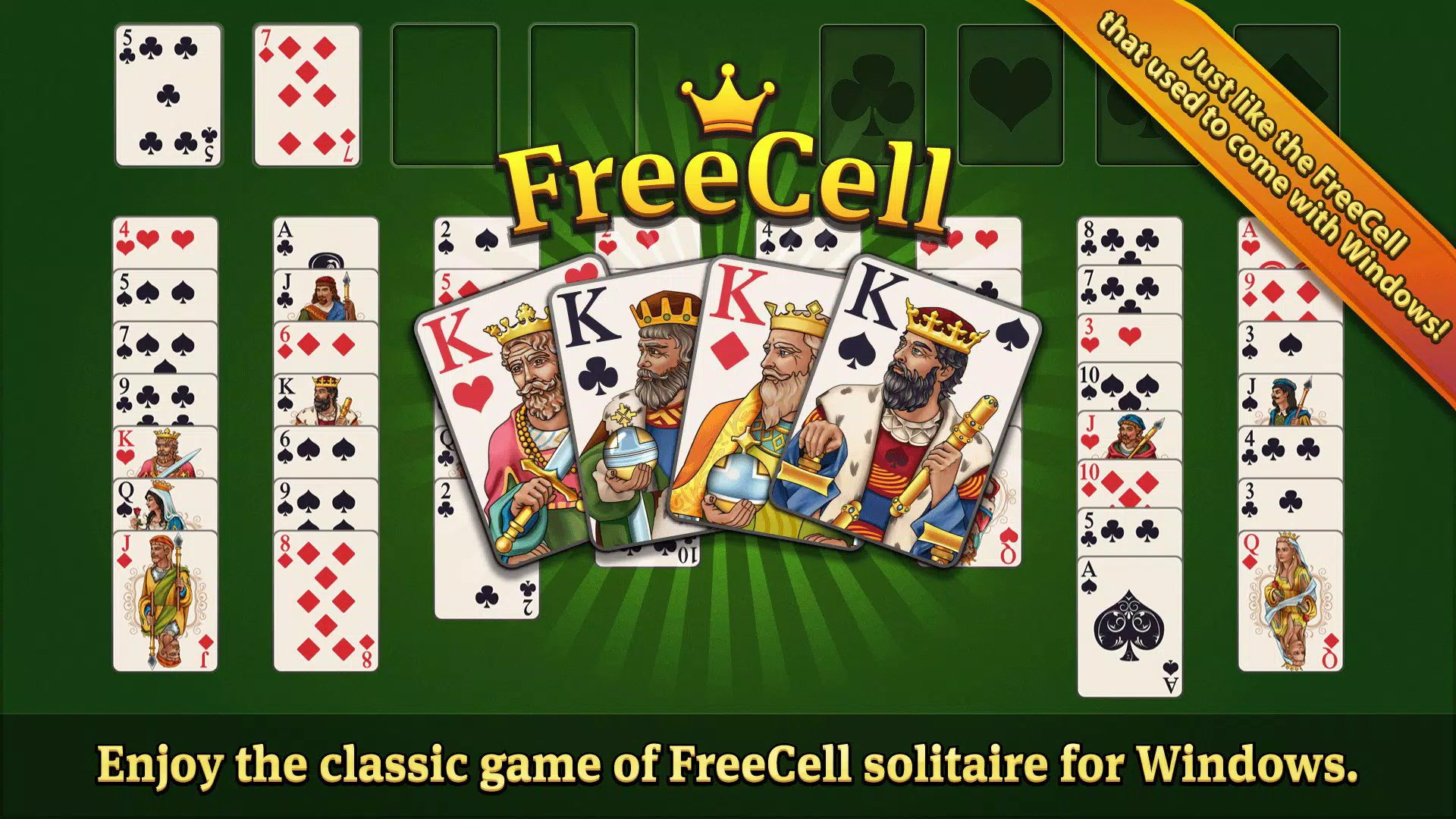
Simple FreeCell delivers a faithful recreation of the classic FreeCell solitaire experience originally popularized on Windows platforms. Designed as a digital homage to the enduring puzzle game, it offers users a nostalgic yet accessible way to enjoy one of the most iconic card games of all time. The app serves as a lightweight, strategy-driven tool for individuals seeking mental engagement through structured gameplay.
It is particularly suited for casual players, solitaire enthusiasts, and users looking for a low-distraction, family-friendly activity. With a focus on simplicity and accessibility, Simple FreeCell caters to a broad demographic, including older adults, students, and families seeking shared entertainment. The developer, Ryan J.
Boudreaux, has crafted an app that emphasizes core gameplay mechanics without unnecessary frills. Although specific details about the developer’s background were not provided, the app’s long-standing presence since its release in November 2015 suggests a stable and maintained experience. Real-world use cases include daily mental exercise, relaxation during breaks, and interactive family engagement.
In the broader mobile app ecosystem, Simple FreeCell occupies a niche as a pure, no-frills puzzle utility that stands out in a market saturated with complex and monetized games.
Key Features & Functionality
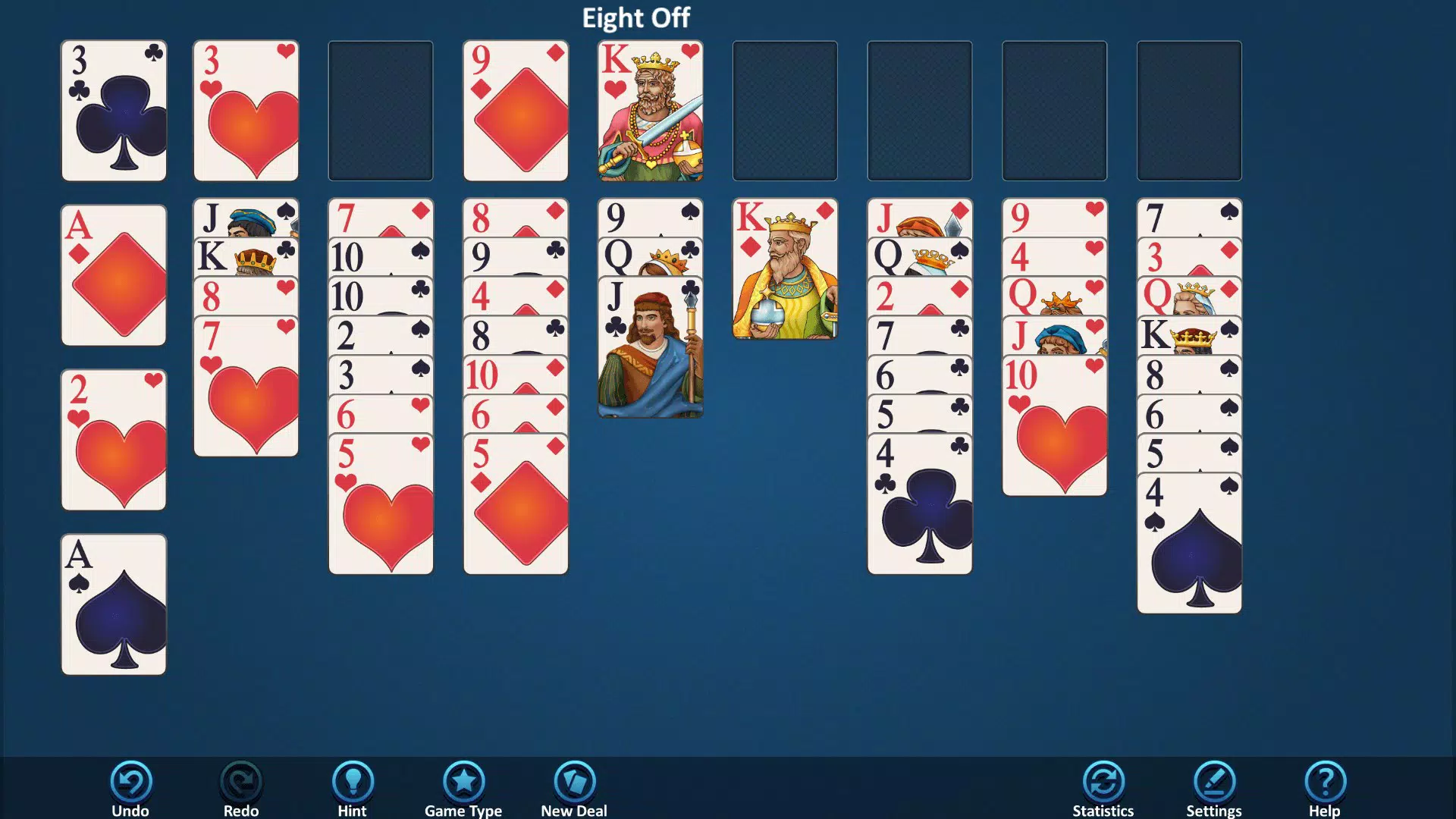
- Variety of Game Modes: The app includes four distinct gameplay variants—Classic FreeCell, Baker's Game, Eight Off, and Two Deck FreeCell—each offering unique rules and strategic depth. Classic FreeCell is ideal for newcomers, while Baker’s Game introduces slightly different stacking rules, increasing challenge. Eight Off focuses on grouping cards by suit, and Two Deck FreeCell doubles the card count for a more complex experience. These modes ensure replayability and cater to players at different skill levels.
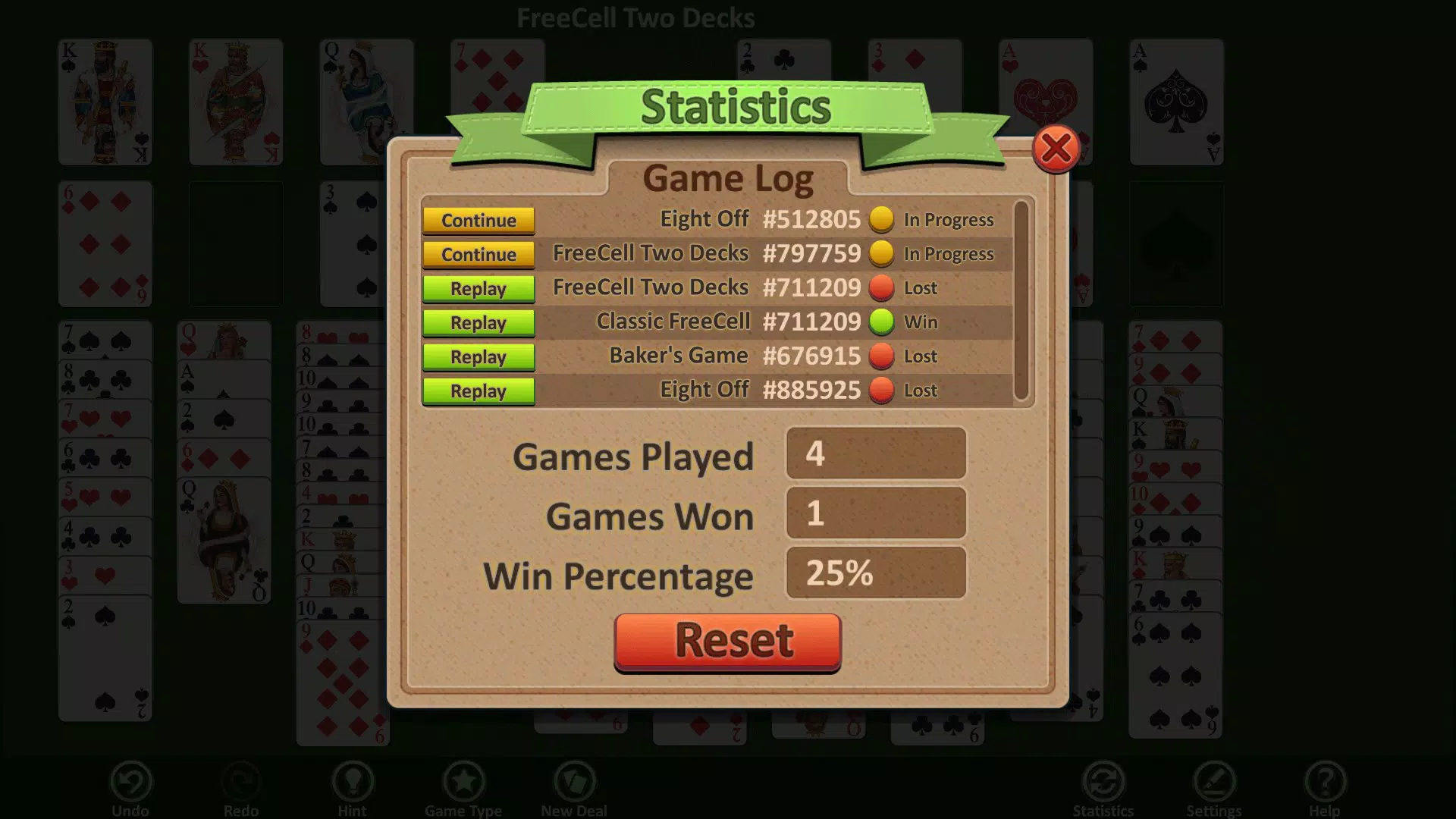
- Game Progress Tracking: Simple FreeCell records past games, allowing users to review completed sessions and analyze their decision-making patterns. This feature supports skill development by enabling players to identify recurring mistakes and refine their strategies over time. It is especially useful for those aiming to improve win rates or test new approaches.
- User-Friendly Interface: The app features large card backs and intuitive touch controls, minimizing input errors and enhancing accessibility. The clean layout reduces visual clutter, making it easier for users of all ages to navigate. This design is particularly beneficial for older adults or those less familiar with mobile interfaces.
- Family-Friendly Gameplay: With no in-app purchases, advertisements, or complex mechanics, Simple FreeCell is ideal for shared play. It can be used during family game nights or as a quiet solo activity, promoting cognitive engagement and intergenerational interaction.
Interface, UX & Performance
The user interface of Simple FreeCell is clean, minimalistic, and focused on gameplay. Card layouts are clearly defined, with sufficient spacing between foundation and tableau piles to prevent accidental touches. Navigation is straightforward: players tap and drag cards to move them between piles, with visual feedback confirming valid moves.
The app’s design avoids unnecessary animations or sound effects, maintaining a calm and focused environment. Although the developer did not list formal performance metrics, the 14.3 MB file size suggests a lightweight application optimized for older or mid-range Android devices. The app appears to function smoothly across various screen sizes and resolutions, with consistent responsiveness during gameplay.
Stability is implied by the app’s long-term availability since 2015, though no explicit crash reports or update logs were provided. The lack of background processes or resource-heavy features further supports efficient operation. Overall, the UX prioritizes usability and mental focus, aligning with the app’s purpose as a strategic puzzle tool.
Platform Compatibility & Technical Requirements
Simple FreeCell is available exclusively on the Android platform. The app requires an Android operating system, though specific minimum version requirements were not disclosed by the developer. Given its release date in November 2015 and file size of 14.3 MB, it is likely compatible with a wide range of devices, including those with older Android versions.
The app’s lightweight nature suggests it can run efficiently on devices with limited RAM and storage. No additional hardware requirements were specified. While the app does not list support for iOS or other platforms, its current availability is confirmed for Android users.
For those seeking a secure, free, and stable solitaire experience, Simple FreeCell offers a reliable option within the Android ecosystem.
Pros and Cons
Pros
- Free to download and use with no in-app purchases
- Multiple game modes provide variety and long-term engagement
- Simple, intuitive interface suitable for all age groups
- Game progress tracking supports skill development
- Lightweight size (14.3 MB) ensures compatibility with older devices
Cons
- No information on minimum OS version or device compatibility
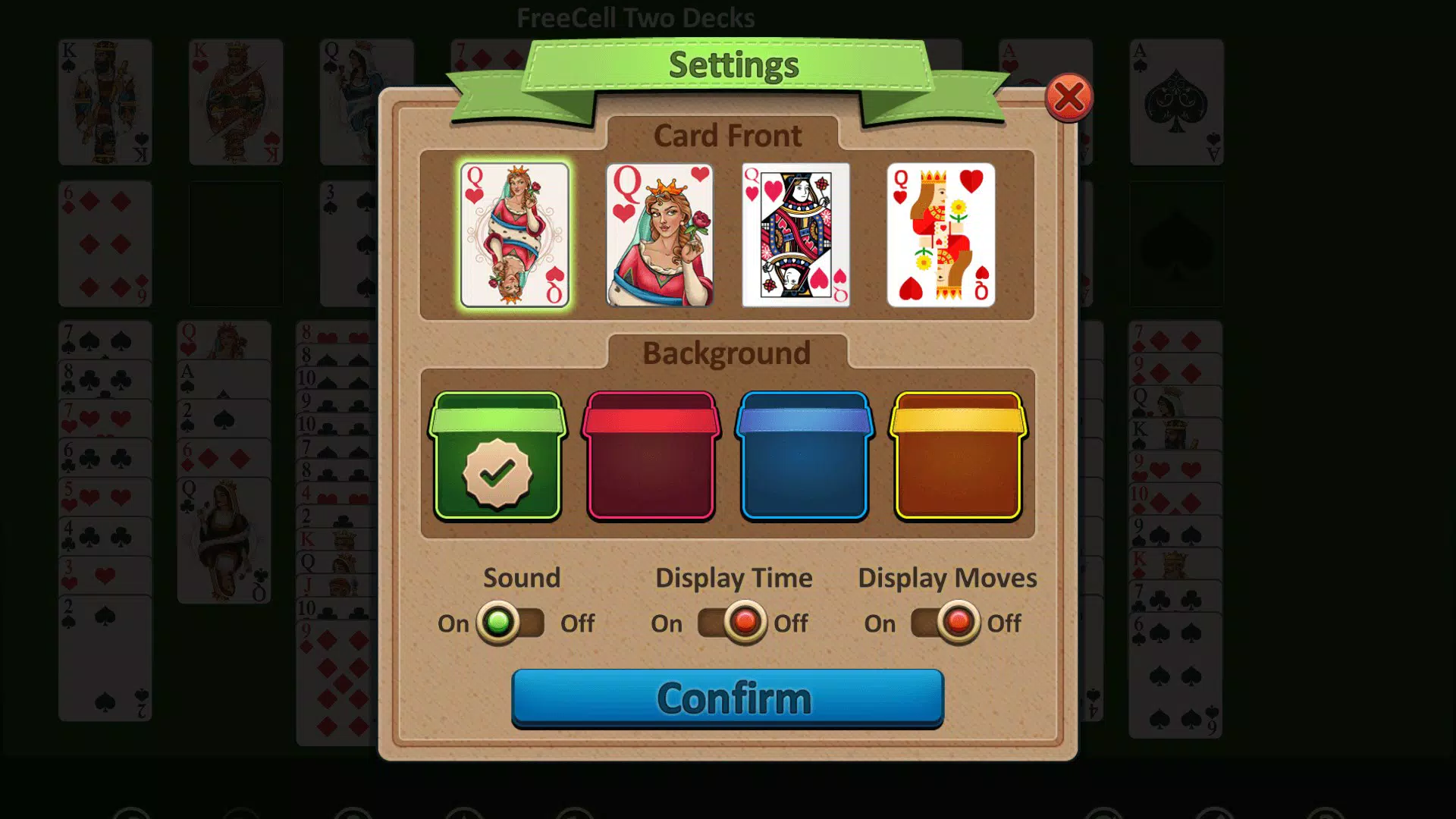
- No visual or sound customization options available
- Limited to Android platform only
- No cloud sync or cross-device progress saving
- Developer did not provide detailed update history or support channels
FAQ
Is Simple FreeCell safe to download?
Yes, the app is free and available through official Android channels. It does not require excessive permissions and has no known security risks based on its long-standing presence.
Can I play Simple FreeCell offline?
Yes, the app functions entirely offline, making it ideal for use without internet connectivity.
Does Simple FreeCell support multiple devices?
While the app can be installed on multiple Android devices, there is no cloud synchronization, so progress is device-specific.
How often is Simple FreeCell updated?
The developer did not disclose update frequency. However, the app has remained available since 2015, indicating ongoing maintenance.
Is Simple FreeCell suitable for children?
Yes, the game is family-friendly, with no inappropriate content or complex mechanics, making it appropriate for children and adults alike.
Final Thoughts
Simple FreeCell stands out in the crowded mobile puzzle game market by delivering a pure, unadulterated solitaire experience. Its combination of multiple game modes, thoughtful progress tracking, and accessible design makes it a valuable tool for mental exercise and leisure. The app excels in simplicity, performance, and inclusivity—offering a satisfying challenge without overwhelming users.
While it lacks modern features like cloud sync and customization, its core strengths remain intact. For anyone seeking a reliable, free, and engaging card game on Android, Simple FreeCell is a standout choice. It’s ideal for casual players, seniors, students, and families looking for a shared, screen-based activity.
With its lightweight footprint and enduring gameplay, it continues to deliver value over time. Download Simple FreeCell now and enjoy a timeless classic on your smartphone.


